Stay Focused, Get More Done
Pomodoro – Focus Timer is a beautifully designed productivity app for iOS that helps you master your focus using the proven Pomodoro Technique. Whether you’re studying, coding, writing, or tackling any focused work, this app helps you work smarter, not harder.
Download on the App Store
What is the Pomodoro Technique?
The Pomodoro Technique is a time management method developed by Francesco Cirillo in the late 1980s. The technique uses a timer to break work into intervals, traditionally 25 minutes in length, separated by short breaks. Here’s how it works:
- Work for 25 minutes – Focus on a single task without interruptions
- Take a 5-minute break – Step away, stretch, grab a drink
- Repeat 4 times – Complete four work sessions
- Take a longer 15-minute break – Recharge before your next cycle
This simple rhythm helps you maintain peak concentration while avoiding burnout. The name “Pomodoro” comes from the Italian word for tomato, after the tomato-shaped kitchen timer Cirillo used as a university student.
Features
Clean, Minimal Design
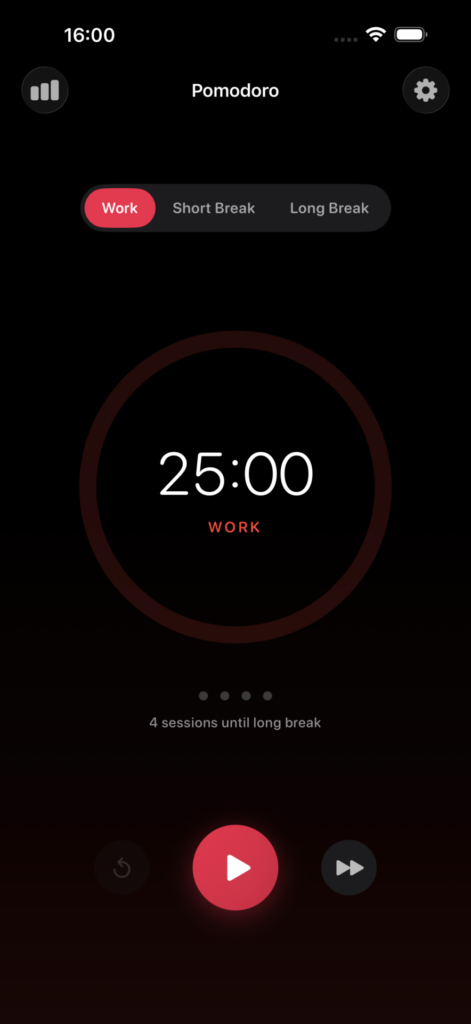
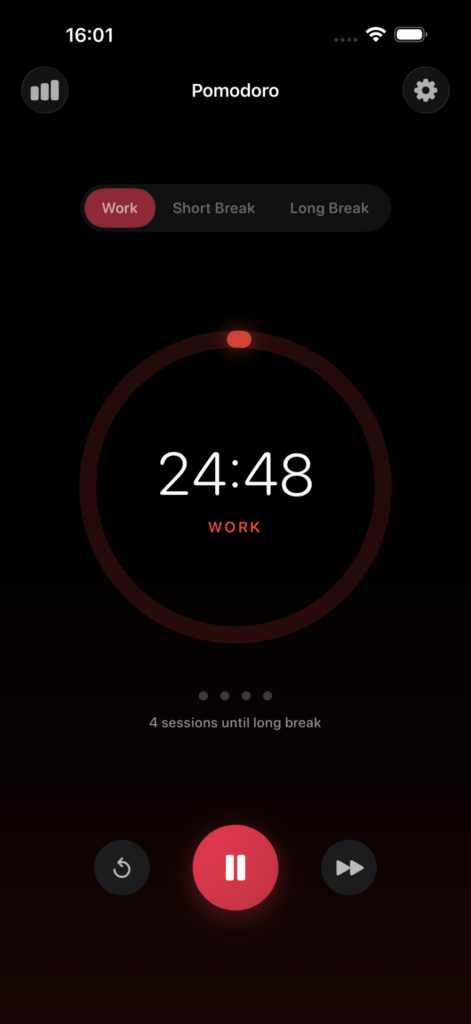
A distraction-free interface that lets you focus on what matters. The beautiful circular progress indicator shows your remaining time at a glance, with color-coded modes for work (red), short breaks (green), and long breaks (blue).
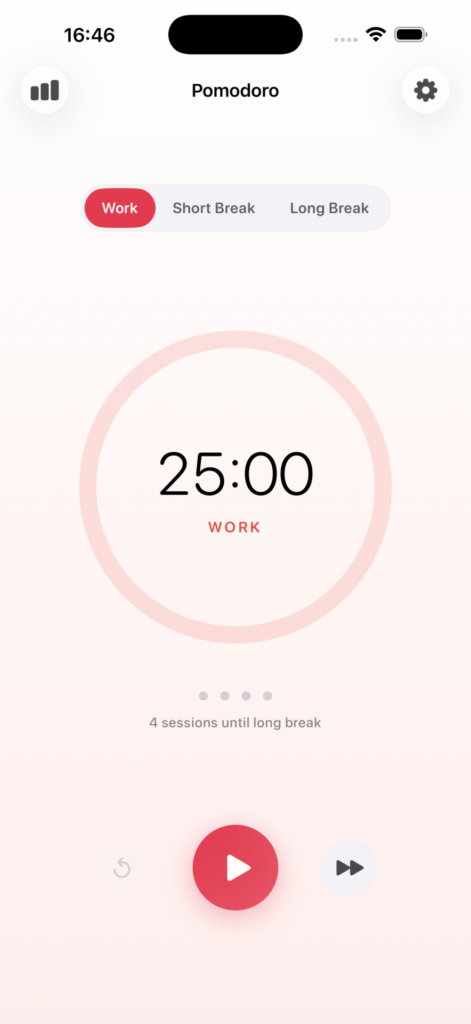
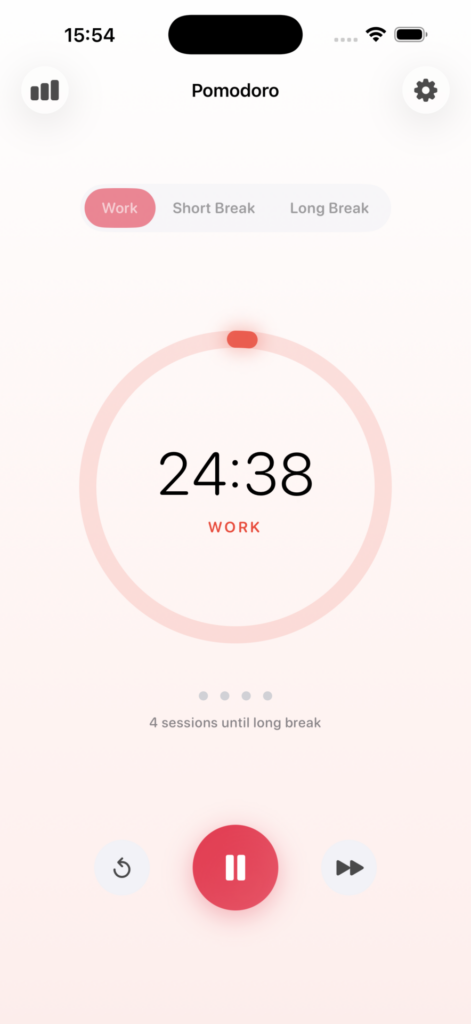
Clean, distraction-free timer interface
Customizable Timers
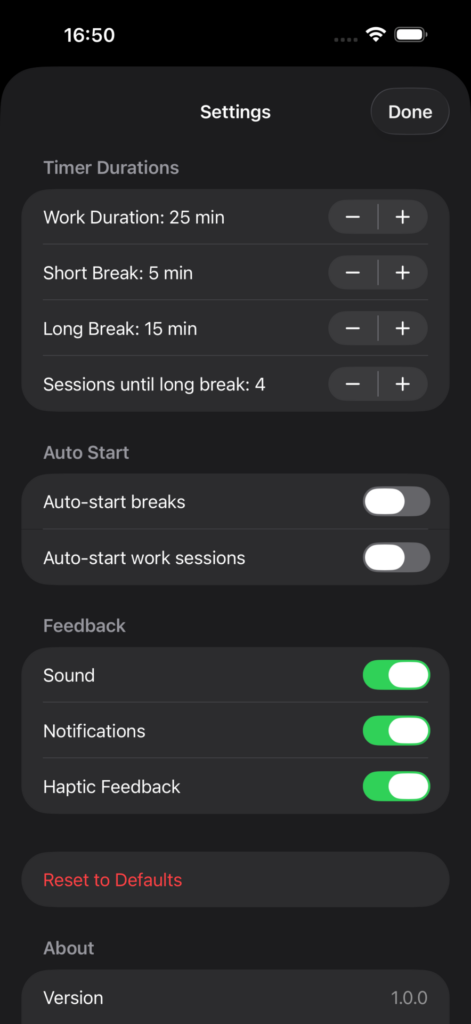
Everyone works differently. Adjust your timers to match your workflow:
- Work sessions: 15-60 minutes (default: 25)
- Short breaks: 1-15 minutes (default: 5)
- Long breaks: 10-30 minutes (default: 15)
- Sessions until long break: 2-6 (default: 4)
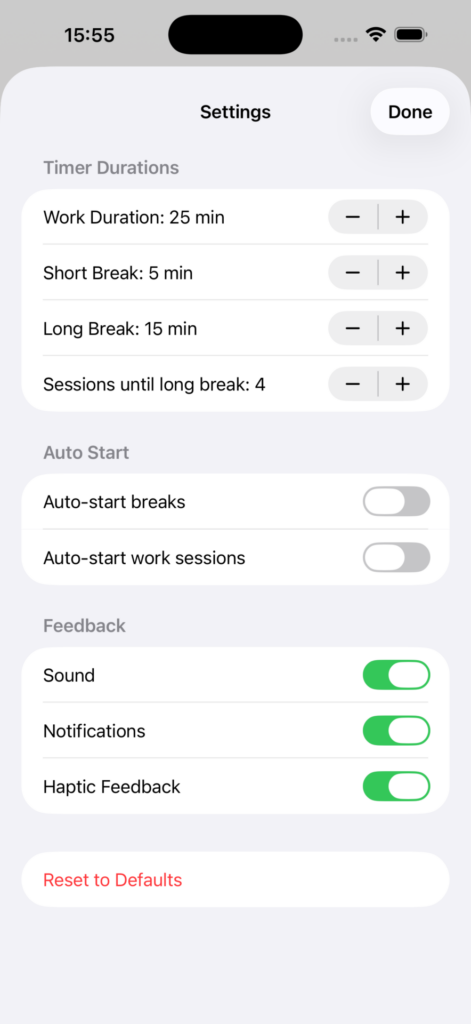
Fully customizable timer settings
Smart Session Tracking
The app automatically counts your completed sessions and seamlessly transitions between work and break modes. Visual indicators show your progress toward the next long break.
Statistics & History
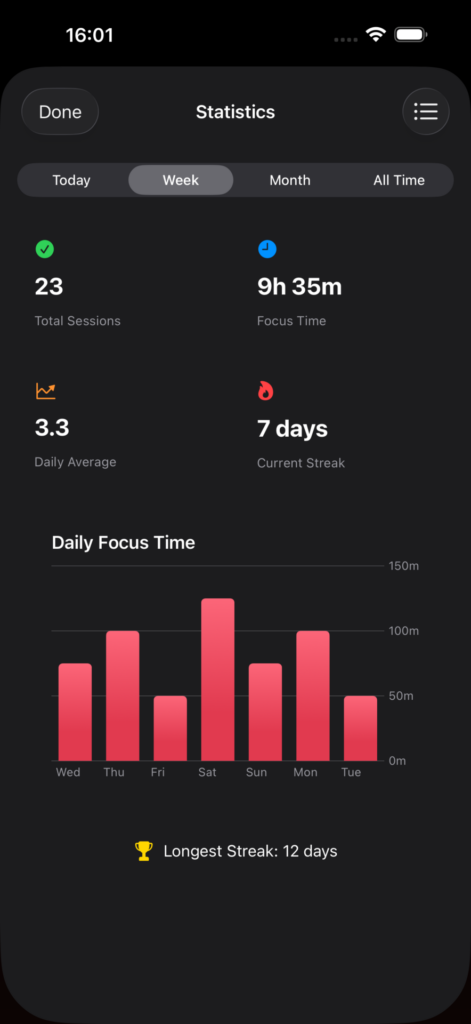
Track your productivity over time with beautiful charts and detailed statistics:
- Total sessions completed
- Total focus time
- Daily average sessions
- Current and longest streaks
- 7-day focus time chart
- Complete session history
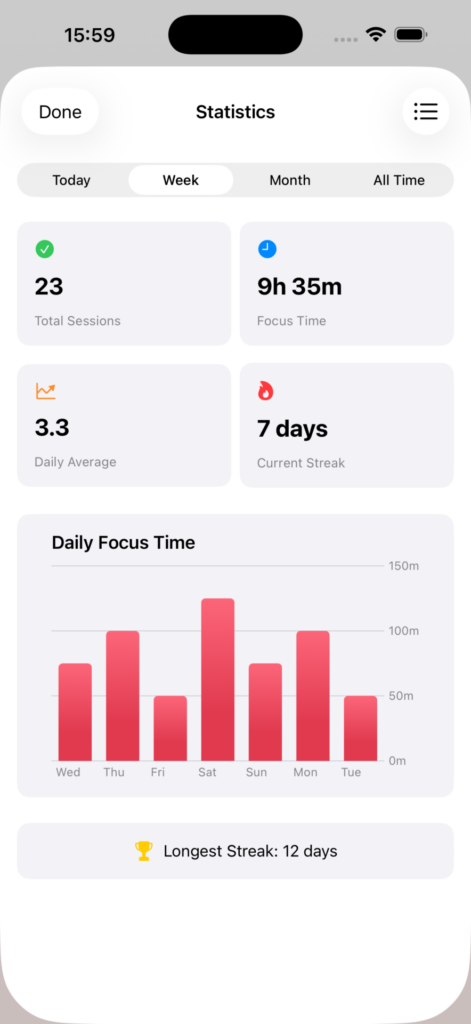
Visualize your focus patterns
Streak Tracking
Build momentum by maintaining your daily focus streak. The app tracks consecutive days of productivity and celebrates your longest streaks.
Notifications
Get notified when it’s time to take a break or get back to work. Interactive notifications let you start the next session directly without opening the app.
Sounds & Haptics
Satisfying audio and tactile feedback when timers complete. All feedback options can be toggled on or off based on your preferences.
Auto-Start Options
Enable automatic transitions for a seamless workflow:
- Auto-start breaks after work sessions
- Auto-start work sessions after breaks
Home Screen Widgets
Track your progress at a glance without opening the app. Available in small and medium sizes, showing today’s sessions and total focus time.
Dark Mode Support
Full dark mode support for comfortable use during late-night work sessions. The app automatically adapts to your system preferences.
Beautiful dark mode for late-night sessions
Requirements
- Platform: iOS
- iOS Version: 17.0 or later
- Device: iPhone
- Price: Free
- Age Rating: 4+
Download
Download on the App Store
Privacy Policy
Last Updated: December 2025
Overview
Pomodoro – Focus Timer is committed to protecting your privacy. This privacy policy explains how we handle information when you use our app.
Data Collection
We do not collect any personal data.
The app operates entirely on your device. We do not:
- Collect personal information
- Track your location
- Access your contacts
- Collect usage analytics
- Use any third-party analytics services
- Share any data with third parties
Data Storage
All data generated by the app is stored locally on your device:
- Timer settings (work duration, break duration, etc.) are stored in your device’s local storage
- Session history (completed Pomodoro sessions) is stored in your device’s local database
- Statistics are calculated from locally stored session data
This data never leaves your device and is not accessible to us or any third party.
Data Deletion
You can delete all app data at any time by:
- Deleting the app from your device
- Using the “Reset to Defaults” option in Settings (for preferences)
Third-Party Services
The app does not integrate with any third-party services, SDKs, or analytics platforms.
Children’s Privacy
The app does not collect any information from anyone, including children under the age of 13.
Changes to This Policy
We may update this privacy policy from time to time. Any changes will be posted on this page with an updated revision date.
Summary
Your data stays on your device. We don’t collect, store, or share anything.
Support
Need help or have feedback? We’d love to hear from you!
- Email: [email protected]
Version History
Version 1.0.0
Initial release! Start your productivity journey with:
- Customizable Pomodoro timers
- Session tracking and statistics
- Home screen widgets
- Notifications and haptic feedback
- Full dark mode support
Transform the way you work. Download Pomodoro – Focus Timer today!
Download on the App Store